
Blog
How to Repurpose Instagram Carousels for LinkedIn (2026 Guide)
Learn how to repurpose your Instagram carousels for LinkedIn in 30 seconds. Convert formats, maximize reach, and stop wasting time redesigning from scratch.
You spent 45 minutes building a beautiful Instagram carousel. Ten slides, a strong hook, clean design, the whole thing. It performs well. A few hundred likes, good saves.
Now your LinkedIn audience gets... nothing.
The content exists. The work is done. But without reformatting, it never reaches the professional audience that could actually turn into leads, clients, or followers who matter to your business.
Repurposing Instagram carousels for LinkedIn is one of the highest-ROI moves a content creator can make in 2026 — if you do it without spending another 45 minutes redesigning from scratch.
Here's how.
Why LinkedIn Carousels Are Worth the Extra Step
LinkedIn carousels (technically "document posts") consistently outperform single-image posts on the platform. They get higher dwell time, more saves, and stronger organic reach because LinkedIn's algorithm rewards content that keeps people on the platform.
The audience is also fundamentally different. Instagram skews toward consumers and lifestyle. LinkedIn skews toward decision-makers, B2B buyers, and professionals actively looking for expertise. A carousel about content strategy, personal growth, or industry insights can perform 3–5x better on LinkedIn than the same content on Instagram — but only if it's formatted correctly.
The Problem: Instagram and LinkedIn Carousels Aren't the Same Format
Here's where most creators give up or skip the step entirely.
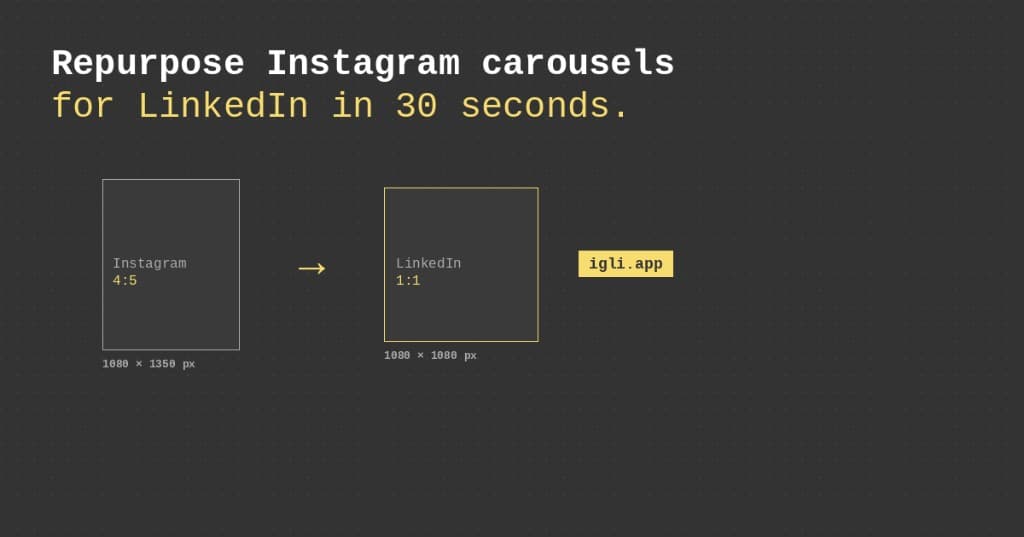
Instagram carousels use a 4:5 portrait format (1080×1350px), optimized for mobile scroll. LinkedIn document carousels use a square (1:1) or landscape (16:9) format for desktop and mobile consumption. (For the full breakdown, see our guides on Instagram carousel sizes and LinkedIn carousel specs.)
If you upload your Instagram slides directly to LinkedIn, they get cropped, distorted, or displayed with awkward white borders. Your hook slide — the one designed to stop the scroll — becomes the thing that makes people scroll past.
On top of the dimensions, LinkedIn renders text differently, handles slide transitions differently, and has different conventions around how carousels are consumed. A great Instagram carousel is not automatically a great LinkedIn carousel.
This is why repurposing has traditionally meant rebuilding, not reposting.
The Old Way to Repurpose (And Why It Takes So Long)
If you've tried to repurpose carousels manually, you know the process:
- Open Canva (or Figma, or Photoshop)
- Create a new template at LinkedIn dimensions
- Recreate each slide — copy text, re-size assets, adjust fonts
- Re-export as a PDF (LinkedIn carousels upload as documents)
- Upload, write a new caption, post
For a 10-slide carousel, this takes 20–60 minutes. Every. Single. Time.
Most creators either skip LinkedIn entirely, or they post their Instagram content raw and wonder why it flops.
The Fast Way: Drag, Drop, Done
igli converts your Instagram carousel into a LinkedIn-ready PDF in about 30 seconds.
You drag in your Instagram slides, igli automatically reformats them to LinkedIn's dimensions and document format, and you export a polished LinkedIn carousel ready to upload. No rebuilding. No resizing. No re-exporting slide by slide.
The workflow looks like this:
- Finish your Instagram carousel as you normally would — in Canva, Adobe, Figma, wherever.
- Export your slides as images.
- Drag them into igli. The tool handles the format conversion automatically.
- Download your LinkedIn PDF.
- Upload to LinkedIn and write your caption. Done.
What used to eat an hour now takes half a minute.
Turn your carousel into a LinkedIn PDF
Drag in your Instagram slides and get a LinkedIn-ready PDF in about 30 seconds. Free to try, no account needed.
What to Repurpose First (and What to Skip)
Not every Instagram carousel deserves a LinkedIn second life. The highest-ROI candidates are:
- Educational, framework-driven posts — "5 steps to…", "the anatomy of…", checklists, and how-tos translate almost directly to LinkedIn's professional audience.
- Data and insight posts — anything with a stat, a result, or a before/after performs well on LinkedIn, where credibility compounds.
- Your best-performing Instagram carousels — if it earned saves on Instagram, the underlying idea is "save-worthy," and saves are exactly what LinkedIn rewards.
Skip the purely lifestyle, meme, or trend-dependent posts. They rely on Instagram-native context that rarely lands in a professional feed.
A Repeatable Repurposing Workflow
Once you've done this a few times, it becomes a 5-minute weekly habit:
- Pick one winner from the last two weeks of Instagram carousels.
- Convert the slides to a LinkedIn PDF with igli (this removes the 45-minute redesign).
- Rewrite slide 1 for a LinkedIn hook (insight- or data-forward).
- Update the final slide CTA to invite comments or DMs.
- Write a fresh, longer caption — LinkedIn captions are narrative, not hashtag-stuffed.
- Post and engage in the first hour to feed the algorithm.
For the upload mechanics specifically, follow our step-by-step guide on how to post a carousel on LinkedIn.
Tips for Carousels That Work on Both Platforms
A few content adjustments make the repurpose more effective, beyond just the format conversion:
Rewrite the hook slide text for a LinkedIn audience. Instagram hooks are punchy and emotional. LinkedIn hooks do better when they're insight-forward or speak to a professional pain point.
Add a stronger CTA on the final slide. Instagram CTAs often say "save this" or "follow for more." LinkedIn CTAs perform better when they invite comments ("What would you add?") or offer next steps ("DM me for the full framework").
Consider your caption separately. Don't copy-paste your Instagram caption. LinkedIn captions are longer, more narrative, and benefit from line breaks.
The design? igli handles that. The message framing? That's where you add the final 5% that makes the content land.
Frequently Asked Questions
Can I post my Instagram carousel directly on LinkedIn?
Not as-is. LinkedIn carousels are PDF document posts, not image posts, and Instagram's 4:5 slides get cropped or letterboxed. You need to reformat the slides and merge them into a PDF first — which a tool like igli does automatically.
How long does it take to repurpose a carousel?
Manually, 20–60 minutes per carousel. With igli's format conversion, the reformatting takes about 30 seconds — you spend your time only on the hook and caption rewrite.
Should I change the content when repurposing?
Keep the core teaching the same, but rewrite the cover-slide hook for a professional audience, strengthen the final-slide CTA, and write a separate, longer caption for LinkedIn.
Start Repurposing Your Content
Every Instagram carousel you've published is LinkedIn content waiting to go live. The format conversion is the only thing standing in the way.
Repurpose your first carousel free
Drag in your Instagram slides and get a LinkedIn-ready PDF in about 30 seconds — no redesign required.