
Blog
How to Download an Instagram Carousel (All Slides) — Images or One PDF
Download every slide of an Instagram carousel at once — as individual images or one clean PDF — on desktop or phone, without the loose-JPG mess most downloaders leave you.
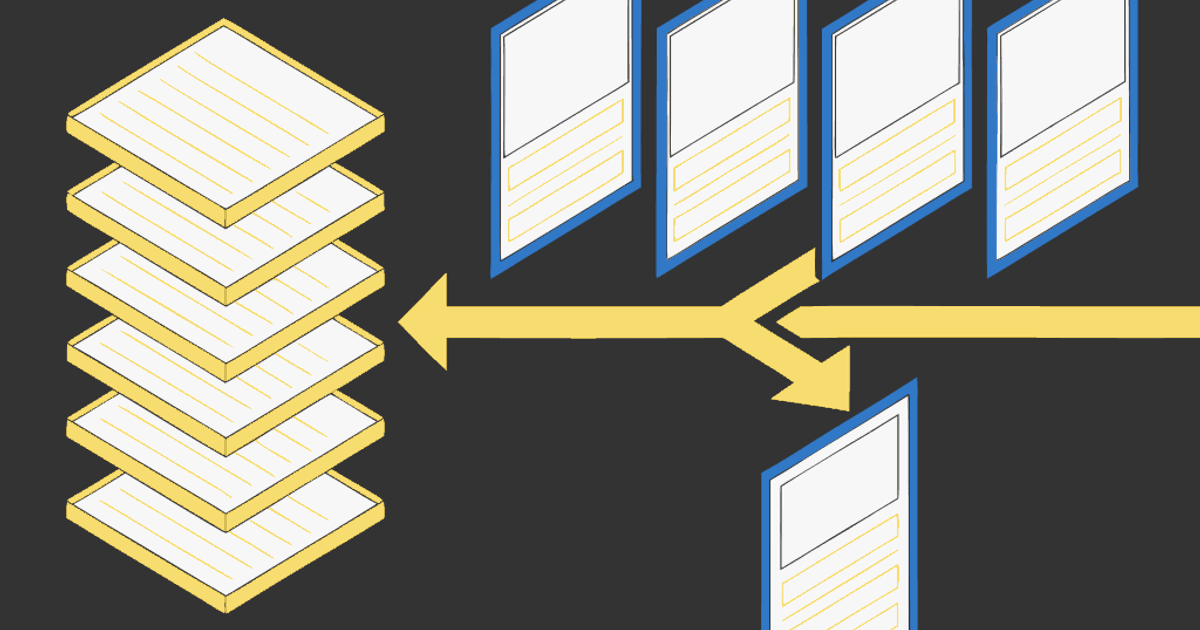
Downloading one Instagram photo is easy. Downloading a whole carousel — all 8, 12, or 20 slides, in order, in one go — is where most tools fall apart. You paste a link, hit download, and get the first slide only. Or you get a zip of JPGs named image (1) through image (12) with no order and a page of ads on the way out.
This guide covers how to download an Instagram carousel with all slides at once — and the two outputs worth caring about: individual images (when you want to reuse the slides) or one PDF (when you want to read, file, or print the whole thing). It works on desktop and on your phone.
Personal reference only. Download what you're allowed to keep, credit the creator if you share it, and don't republish someone else's slides as your own. Public posts only.
Why "all slides" is the hard part
A carousel isn't one image — it's a bundle Instagram stitches together, and it doesn't hand those slides to third-party tools through any public API. That's why so many downloaders grab only the cover image: it's the one that's easy to reach. Getting every slide, in the order the creator posted them, takes a tool that actually walks the whole carousel.
So before you trust any method, test it on a long carousel (10+ slides). If it returns everything, in order, it works. If it stops at slide one, move on.
Which output do you want?
Decide this first — it changes which method you use:
- Individual images — you want to reuse the slides: re-crop them, repost, or drop them into a design. You'll get separate files.
- One PDF — you want to keep, read, or print the carousel as a whole. Every slide becomes a page, in order, in a single file that opens anywhere and drops into Notion, Obsidian, Readwise, or a print queue.
Most downloaders only do the first, and do it messily. The PDF route is the one people miss.
How to download all slides as one PDF (30 seconds)
No install, works on your phone:
- Copy the post link. On the carousel, tap the three dots (or the share icon) → Copy link. On desktop, copy the URL from the address bar — it looks like
instagram.com/p/.... - Open igli and paste the link. igli pulls every slide of the carousel in order. The post has to be public.
- Check the slides. They arrive in the order the creator posted them. Drag to reorder or drop one you don't need.
- Export the PDF. One file, one page per slide. Name it something searchable:
pricing-teardown-@creator.pdf, notdownload (3).pdf.
The free tier covers carousels up to 5 slides with a small watermark; a credit (from $0.20) handles all 20 slides, watermark-free and at higher resolution.
Download every slide as one PDF
Paste a public carousel link and get all slides in one clean PDF — in order, no ads, no install.
How to download all slides as separate images
If you want the raw files instead of a document:
- Paste the same public link into igli.
- Choose the image output instead of PDF — you get each slide as its own file.
- Save them together and keep them named in order, or they'll scatter the moment they hit your downloads folder.
If these are your own posts and you mainly want backups or to repurpose them, the dedicated walkthrough covers every method (including from your own profile and Meta's data export): how to download Instagram carousel images. This post is the "grab someone's whole carousel at once, as images or a PDF" version; that one is the "back up and reuse your own content" version.
On phone vs desktop
The steps are identical. On iPhone the PDF saves to Files; on Android it lands in Downloads. Browser extensions can also download carousels, but only on desktop and only after you install them — the paste-a-link route is the only one that works mid-scroll on the phone, which is where most saving actually happens.
A quick honesty note on other downloaders
Most free carousel downloaders are built to give you image files, not a document. Expect loose JPGs with no guaranteed order, a signup wall on some, and ads on most. That's fine if images are all you want — just don't expect a clean, ordered PDF from a tool built to spit out a zip.
Frequently Asked Questions
How do I download all slides of an Instagram carousel at once?
Paste the public post link into a tool that walks the whole carousel (like igli), then export. You get every slide in order in one step — as a single PDF or as separate images. Tools that only grab the cover image will stop at slide one.
Can I download an Instagram carousel on my phone?
Yes. Copy the post link in the Instagram app, open the tool in your phone's browser, paste, and export. The file saves to Files (iOS) or Downloads (Android) — no app install needed.
Should I download images or a PDF?
Images if you want to reuse or re-crop individual slides. A PDF if you want to keep, read offline, file, or print the whole carousel — one page per slide, in order, in a single file.
Does this work for private accounts or Reels?
No. This works with public posts only, and carousels are images — Reels are video. For a private account you follow, screenshots are the only option.
Why do other downloaders only give me the first image?
Because Instagram doesn't expose the other slides through a public API. Only tools that specifically fetch the full carousel return every slide — always test on a 10+ slide post.
Get the whole carousel, in order
All slides as one PDF or as separate images. Free to try, no account, works on mobile.