
Blog
How to Build an Instagram Carousel Swipe File (That Survives Deleted Posts)
Build an Instagram carousel swipe file that actually works — capture slides as PDFs you own, file them in a simple Notion database, and review them so they inform your work.
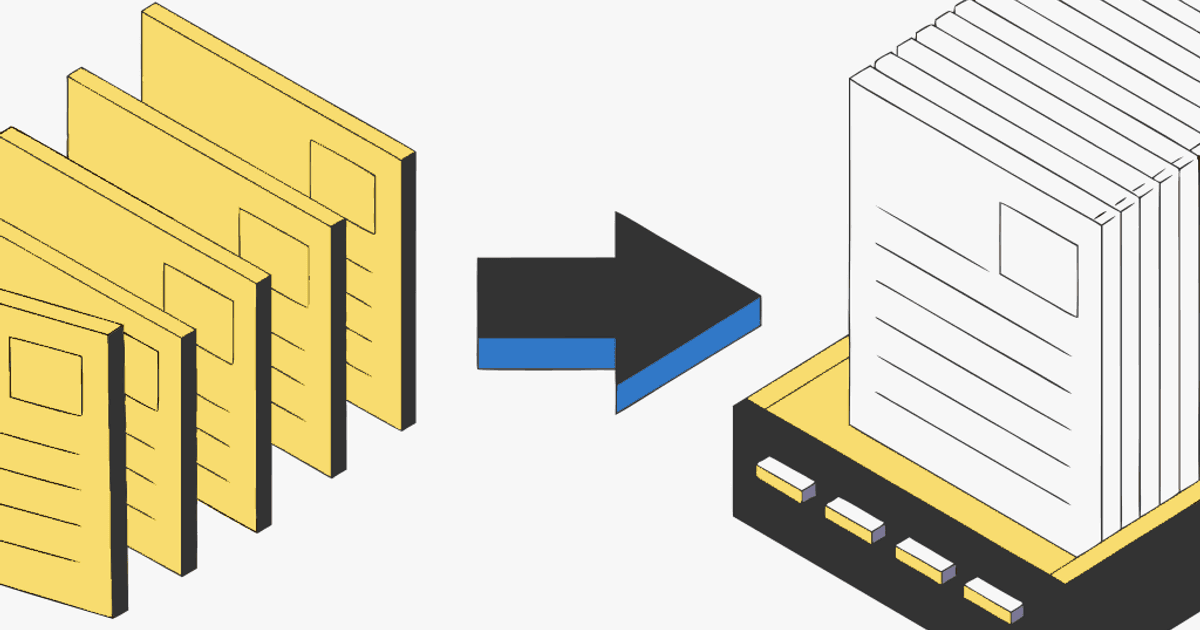
Every guide to building a swipe file stops at the same place: "tap Save, and make a Collection to organize them." That's not a swipe file. That's a pile. Six months later you have 2,000 saved posts, no idea why you saved most of them, and some of the best ones are gone because the creator deleted the post.
A real Instagram carousel swipe file is three things the Save button can't do: a copy you own (not a bookmark that dies when the post disappears), a place you can search and filter, and a note on why each one is worth keeping. Here's how to build one that survives deleted posts and actually feeds your work — not another graveyard.
Personal reference only. A swipe file is for studying and inspiration, like a designer's clippings folder. Credit creators if you ever share their work, and don't republish someone else's slides as your own. Public posts only.
Why Instagram's Save button isn't a swipe file
Three problems, all fatal for a real reference library:
- A save is a pointer, not a copy. If the creator deletes the post, goes private, or gets banned, your save vanishes with no warning. The carousels most worth studying are often the ones that get pulled down.
- You can't search inside images. Instagram's search can't see the text on the slides, so you can't find "that pricing hook" without scrolling forever.
- Collections don't scale. Folders help a little, but they don't hold why you saved something or let you filter by hook type, format, or creator.
The fix is to get the carousels that matter out of Instagram and into a system you control. That means three steps: capture, file, review.
Step 1: Capture — turn the carousel into a PDF you own
A screenshot gives you 12 loose images with no order. A save gives you a link that can break. A PDF gives you every slide, in order, in one file you own forever.
- Copy the carousel link. Tap the three dots (or share icon) → Copy link. The URL looks like
instagram.com/p/.... - Open igli and paste the link. It pulls every slide in order. The post has to be public.
- Export the PDF. Name it so you'll find it:
hook-question-@creator.pdf.
Free exports cover up to 5 slides with a small watermark; a credit (from $0.20) handles all 20 slides, watermark-free. For the full walkthrough, see how to save an Instagram carousel as a PDF.
Capture a carousel for your swipe file
Paste a public carousel link and get every slide as one PDF you own — before the post disappears.
Step 2: File — a simple Notion database that scales
A folder of PDFs is better than Instagram saves, but it still can't answer "show me every strong first slide I've seen." A small database can. You don't need a bought template — build this in about two minutes in Notion (or Airtable, or a spreadsheet):
Create a database called Swipe File with these properties:
- Source (URL) — the original Instagram link, so you can revisit or credit it.
- Creator (text) — the handle, to filter by who consistently does great work.
- Why I saved it (text) — one line: the hook, the layout trick, the CTA. This is the property everyone skips and the one that makes the file useful later.
- Type (multi-select) —
hook,listicle,before/after,data,story,tutorial. Tag the format, not just the topic. - Tags (multi-select) — your own categories:
pricing,design,fitness,recipes.
Then add each carousel: drag the PDF into the page body (Notion renders it inline, so you flip through slides without leaving the page), and fill the properties while the post is still in front of you — it takes 15 seconds.
Prefer a second-brain app instead of Notion? The same PDF drops cleanly into Obsidian or Readwise too — see saving carousels to Notion, Obsidian or Readwise.
Step 3: Annotate — capture the why, not just the picture
This is what separates a swipe file from a scrapbook. When you file a carousel, spend 20 seconds pulling it apart:
- Hook — what did the first slide do to force the swipe? A question, a bold claim, a number, a "you're doing X wrong"?
- Structure — how did it carry attention across slides? Problem → agitation → fix? A numbered list? A story arc?
- CTA — how did the last slide ask for the follow, save, or click?
Write those three in the "Why I saved it" line. Now the file isn't "nice carousels." It's a searchable library of techniques you can pull from when you're stuck.
Step 4: Review — the step that makes it pay off
A swipe file you never open is just tidier hoarding. Build one 10-minute habit:
- Before you make something, filter the file by the format you're building (
hook,data,tutorial) and skim five examples. You'll start from patterns that work instead of a blank slide. - Weekly, skim the week's captures and delete the ones that didn't earn their place. A swipe file stays useful by staying small.
Capture with intent, too: when you hit Save on Instagram, ask "will I study this next month?" If yes, make the PDF now. If not, let the save rot — that's what it's for.
Why the PDF copy matters most
Here's the part that pays off quietly. Instagram saves die when posts do. A PDF in your Notion database is a file you own — it stays whether the original post exists or not. The teardown you reference in client work, the hook formula you keep coming back to, the design you study: those are worth 30 seconds now so they're still there when you need them. For more on why saves vanish, see Instagram saved posts are bookmarks, not copies.
Frequently Asked Questions
What is a swipe file?
A swipe file is a personal collection of work you admire — hooks, layouts, structures, CTAs — that you study for inspiration when creating your own. For Instagram carousels, it's the strong posts you keep, annotate, and revisit, not just bookmark.
How is a swipe file different from Instagram Collections?
Collections are folders of bookmarks — they die when a post is deleted, can't be searched by text, and hold no notes. A swipe file is copies you own (as PDFs), filed in a database you can search and filter, with a note on why each one matters.
Do I need Notion to build a swipe file?
No. Notion is convenient because it renders PDFs inline, but Airtable, Obsidian, Readwise, or even a well-named folder of PDFs works. The system matters more than the app: capture, file, annotate, review.
How do I keep a carousel before the creator deletes it?
Export it as a PDF and file it. Once it's a file you own, it stays regardless of what happens to the original post — that's the whole point of capturing over bookmarking.
Is it okay to keep other creators' carousels?
For personal study and inspiration, yes — like a designer's clippings folder. Keep the source link so you can credit them, and never republish someone else's slides as your own. Public posts only.
Start your carousel swipe file
Capture the carousels worth studying as PDFs you own, then file them where you think. Free to try, no account.