
Blog
Best Free Tools to Save Instagram Posts as PDF (2026): Extensions vs Web
An honest comparison of Instagram to PDF tools in 2026 — Chrome extensions vs web apps — on install, mobile, signup, watermarks, and all-slides-in-one-PDF.
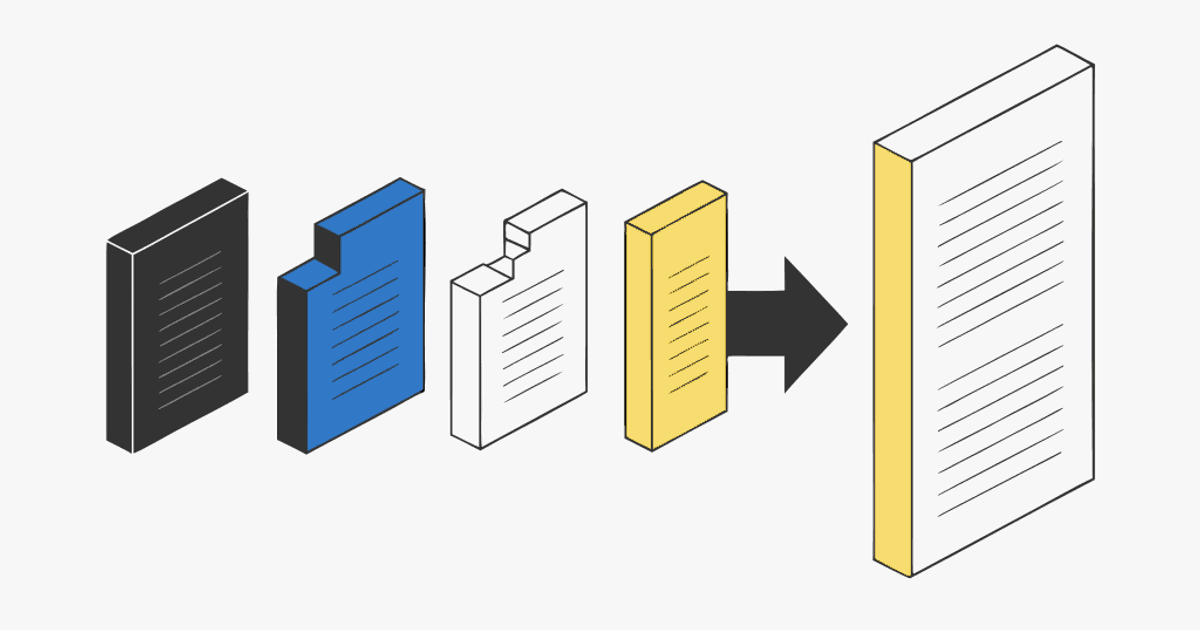
You want to save an Instagram post as a PDF — a full carousel, every slide, in one file you can read offline, drop into Notion, or print. Search for a tool and you get two camps: browser extensions you install, and web apps you paste a link into. They are not the same, and most "top 10" lists just rank whatever pays them.
This is a plain comparison of the Instagram to PDF tools people actually use in 2026 — what each one installs, whether it works on your phone, whether it asks you to sign up, and whether you end up with one clean PDF or a folder of loose images. I build one of these tools (igli.app), so I'll be upfront about where it wins and where it doesn't.
Personal reference only. Save what you're allowed to keep, credit the creator if you share it, and don't republish someone else's slides as your own. Public posts only.
The two kinds of tools
Browser extensions add a button to Chrome (sometimes Edge/Firefox). They can read the page you're already looking at, so they often grab all slides — but they only run on desktop, need install permissions, and break whenever Instagram changes its markup.
Web apps work by pasting the post link. Nothing to install, they run on your phone, but they depend on the post being public.
For a one-off save, a web app is faster. For someone who archives dozens of posts a week from a laptop, an extension can be worth the install. The rest of the decision comes down to the details below.
Comparison table
| Tool | Type | Works on mobile | Signup | Output | All slides in one PDF | IG → PDF and back |
|---|---|---|---|---|---|---|
| igli.app | Web app | ✅Yes | ❌No | PDF (or images) | ✅Yes | Yes (bidirectional) |
| POST2PDF | Web app | ✅Yes | ❌No | Partial | ❌No | |
| IGPDF | Web app | ✅Yes | Sometimes | Partial | ❌No | |
| Carousel to PDF for Instagram | Chrome extension | No (desktop only) | ❌No | ✅Yes | ❌No | |
| Publer downloader | Web app | ✅Yes | Account for full use | Images (zip) | No (loose JPGs) | ❌No |
A few notes on how to read that table:
- "Partial" all-slides means the tool sometimes grabs only the first image or drops slides on longer carousels — test it on a 10+ slide post before you trust it.
- The Chrome extension ("Carousel to PDF for Instagram") does the core job well but is desktop-only and, as of 2026, has a very small user base (around 127 users), so expect little support if Instagram breaks it.
- Downloaders like Publer are built to give you image files, not a PDF. You'll get a zip of JPGs with no set order and usually some ads on the way out.
What actually matters when you pick one
Do you need it on your phone?
Most saving happens on the phone, mid-scroll. If that's you, rule out extensions entirely — they're desktop-only. A web app you can open in Safari or Chrome mobile, paste a link, and export is the only thing that fits the moment you actually want to save something.
One PDF, or a pile of images?
This is the real dividing line. A carousel is 3–20 slides that only make sense in order. A downloader that hands you 12 JPGs named image (1)…image (12) has technically "saved" the post and practically lost it. A single PDF keeps every slide in order, opens on any device, and drops straight into Notion, Obsidian, Readwise, or a print queue. If you're archiving to actually reuse later, insist on the one-PDF output.
Signup and watermarks
Free almost always has a catch. Some tools gate the useful part behind an account; others stamp a watermark. Be honest with yourself about which you'll tolerate. igli's trade-off: no account, and the free tier covers carousels up to 5 slides with a small watermark. A credit (from $0.20) removes the watermark, bumps the resolution, and handles the full 20 slides — which is what you want for a reference copy you'll keep for years.
Do you also post carousels?
If you move content between platforms, one tool that goes both directions beats two single-purpose ones. igli is bidirectional: it turns an Instagram carousel into a PDF, and turns a LinkedIn PDF carousel back into Instagram images. Most of the tools above only go one way.
My honest take
- One-off save on your phone: any no-signup web app. igli if you want the slides in order as a single PDF and no account.
- Heavy desktop archiving: the Chrome extension is fine for the capture step, but you're betting on a tiny project staying maintained.
- You only want the raw images: a downloader is the right tool — just know you're getting loose files, not a document.
For the full step-by-step of the web-app route, see how to save an Instagram carousel as a PDF.
Save an Instagram post as a PDF
Paste a public carousel link and get every slide in one clean PDF — no install, no account. Works on your phone.
Frequently Asked Questions
What's the best free tool to save an Instagram post as a PDF?
For a single PDF with every slide in order and no signup, a web app is the simplest route — paste the link, export, done. Extensions can also work but only on desktop. Pick based on whether you're on a phone and whether you need one file or loose images.
Do I need a Chrome extension to save Instagram carousels?
No. Extensions only help on desktop and add install permissions. A web app does the same job from any browser, including on mobile, without installing anything.
Why do most tools only save the first slide?
Instagram doesn't expose carousel slides through a public API, so many tools only reliably capture the cover image. Tools that walk the full carousel (or that you paste a public link into) are the ones that get every slide — always test on a long carousel.
Are these tools free?
Most have a free tier with a catch — a watermark, a signup, or a slide limit. igli is free with no account for up to 5 slides (small watermark); a $0.20 credit removes the watermark and covers all 20 slides.
Can any of them also turn a PDF back into Instagram images?
Few do. igli is bidirectional — it exports a PDF from a carousel and can also convert a PDF carousel back into Instagram-sized images.
One tool, both directions
Turn a carousel into a PDF, or a PDF back into Instagram slides. Free to try, no account.