
Blog
How to Archive an Instagram Post for Research or Citation
Archive an Instagram post for a paper, thesis, or article — keep a durable PDF copy that outlives the original, plus how to cite it in APA and MLA the right way.
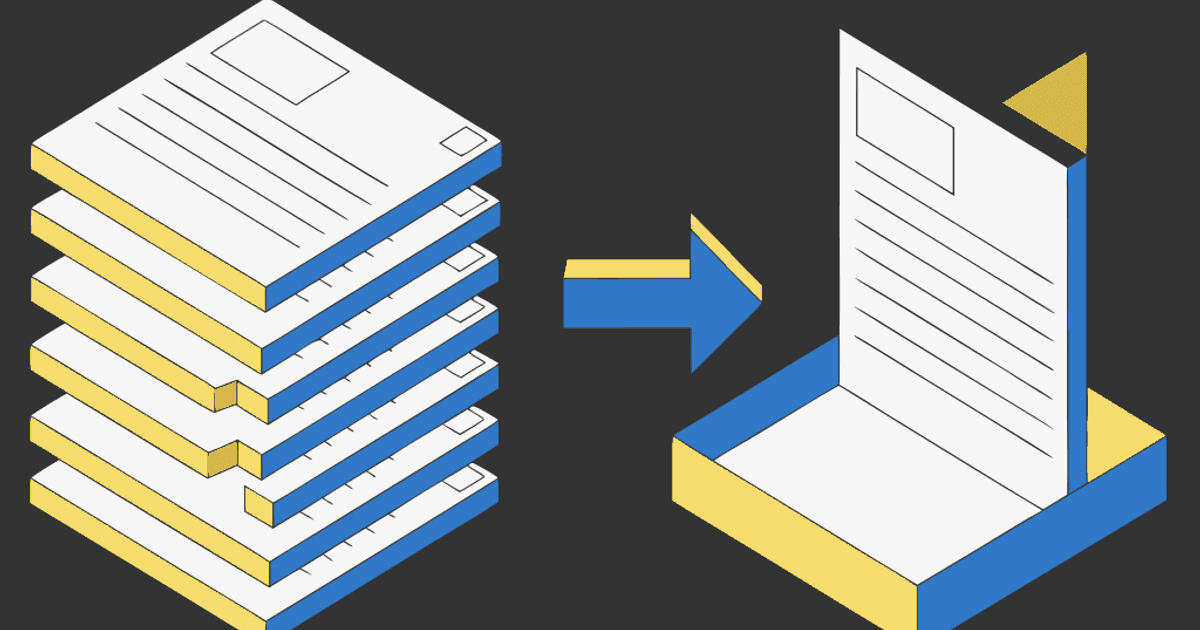
You're citing an Instagram post in a paper, thesis, or article — a public health infographic, a brand's announcement, a creator's data carousel. Two things can go wrong. The post gets deleted or set private before your reviewer checks the link, and your citation points to nothing. Or you try to save it in your reference manager and it chokes on Instagram entirely.
Archiving an Instagram post for research means two separate jobs: keep a durable copy you control, and cite it correctly. The link alone isn't an archive — links rot. This guide covers both, honestly, including what a PDF copy can and can't be used for.
Personal reference only. Archive public posts for study and citation, credit the creator, and don't republish someone else's slides as your own.
Why a link isn't an archive
A URL in your bibliography is a promise that the content will still be there. On Instagram, that promise breaks often:
- Posts get deleted by the creator, or the account goes private or is banned — the link 404s or hits a login wall.
- Reference managers can't parse Instagram. Zotero has no Instagram item type, and its web snapshot usually captures a login page, not the post. Readwise, Notion Web Clipper, and similar tools grab the link or the first image only.
- A carousel's argument often lives across all its slides — a single screenshot loses the slides that actually support your point.
Academic practice already accounts for this: citation styles ask for an access date precisely because online sources change. Keeping your own copy is the durable backing behind that access date.
Step 1: Keep a durable copy (the archive)
Turn the post into a PDF that includes every slide, then store it with your research files. It stays whether the original survives or not.
- Copy the post link. Tap the three dots (or share icon) → Copy link. The URL looks like
instagram.com/p/.... - Open igli and paste the link. It pulls every slide in order. The post has to be public.
- Export as PDF and name it so your future self (and a reviewer) can find it:
2026-08-07-@handle-postID.pdf. Include the date you accessed it.
Free exports cover up to 5 slides with a small watermark; a credit (from $0.20) gives you all 20 slides, watermark-free and at higher resolution — the version you want for a clean reference copy. The full walkthrough is here: how to save an Instagram carousel as a PDF.
Keep a durable copy of the post
Paste a public post link and get every slide as one PDF you can file with your research — before the original disappears.
Attach the PDF in Zotero (or your manager)
Since Zotero can't capture Instagram natively, do it manually:
- Create a new item — Blog Post or Web Page works; some researchers use Social Media Post where the style supports it.
- Fill in author (handle or real name), title (the caption's first line or a short description), date, and the URL with your access date.
- Attach the PDF to the item (drag it onto the entry, or right-click → Add Attachment → Attach Stored Copy of File).
Now the citation metadata and the durable copy live together. The same "attach the PDF" approach works in Mendeley, EndNote, DEVONthink, or a plain folder alongside your notes.
Step 2: Cite it correctly
Keep the copy and format the citation to your style. The basics:
APA (7th edition) — Author or account. (Year, Month Day). First ~20 words of the caption [Type of post]. Instagram. URL
Example: Smith, J. [@jsmith]. (2026, March 4). Three charts on urban heat and tree cover [Photograph carousel]. Instagram. https://instagram.com/p/...
MLA (9th edition) — Author. "Caption or description." Instagram, Day Month Year, URL. Accessed Day Month Year.
Example: @jsmith. "Three charts on urban heat and tree cover." Instagram, 4 Mar. 2026, instagram.com/p/.... Accessed 7 Aug. 2026.
Always include the access date and keep your archived PDF as the backing copy. Check your specific style guide and your institution's requirements — these are the common patterns, not a substitute for your style manual.
An honesty note: a reference copy, not evidence
Be clear about what this is. A PDF export is a reference copy — great for scholarship, citation, and study. It is not forensic-grade: there's no cryptographic hash, no timestamping authority, and no chain of custody, so don't present it as legal evidence or proof of authenticity. If you need verifiable capture (litigation, disputes, official records), use a dedicated web-archiving service or a notary/preservation tool built for that. For a paper or thesis, a well-named PDF with the access date is exactly right.
For the bigger picture on why Instagram saves and links disappear, see Instagram saved posts are bookmarks, not copies.
Frequently Asked Questions
How do I cite an Instagram post that might get deleted?
Cite it in your style (APA/MLA) with the access date, and keep your own PDF copy of the post as the durable backing. If the original comes down, your archived copy still supports the citation.
Can Zotero save an Instagram post?
Not natively — Zotero has no Instagram item type and its snapshot usually captures a login page. Create the item manually and attach a PDF of the post as a stored copy.
What do I use for the author and title in the citation?
Use the account name or handle as the author, and the first ~20 words of the caption (or a short bracketed description) as the title. Add the post type (e.g. photograph, carousel) where your style allows.
Is an archived PDF acceptable as evidence?
For research and citation, yes. For legal or forensic use, no — a PDF export has no hash or chain of custody. Use a dedicated web-preservation service if you need verifiable authenticity.
Does this work for private accounts or Stories?
No. This works with public posts only, and Stories expire and aren't carousels. For a private account you follow, a screenshot with the access date noted is the practical fallback.
Archive the post before it's gone
Paste the link, get a dated PDF you can cite and file with your research. Free to try, no account.