
Blog
How to Print an Instagram Carousel (Recipes, Workouts, Guides)
Print any Instagram carousel — recipes, workouts, step-by-step guides — as clean pages, one slide per sheet. Turn the post into a PDF first, then print from any device.
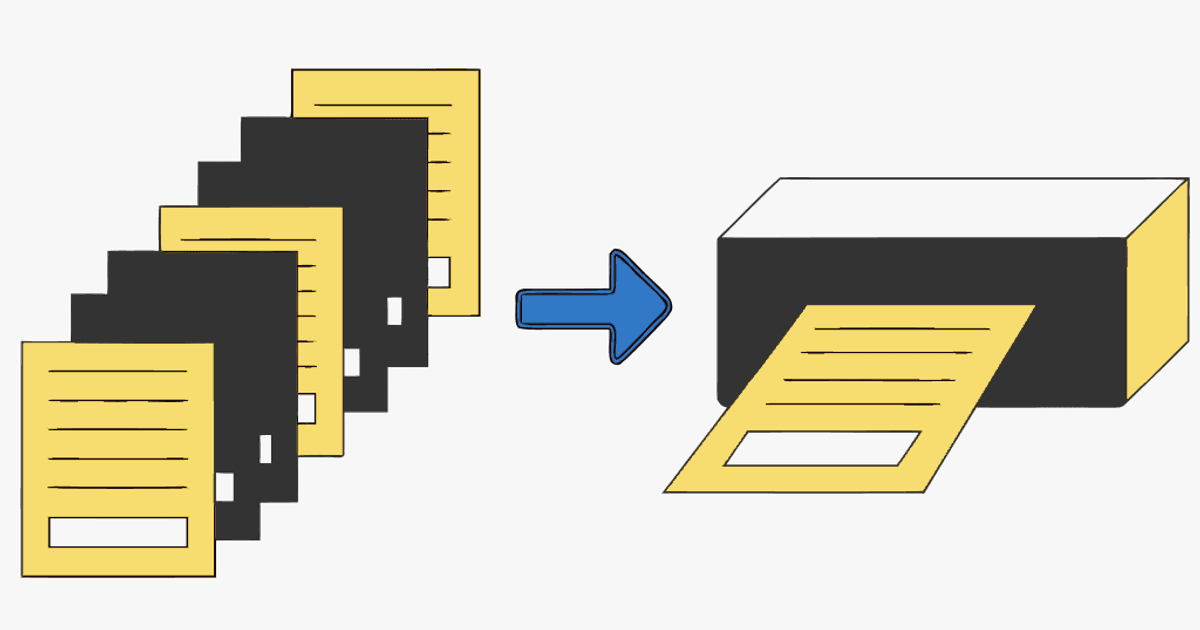
Some carousels belong on paper. A recipe you cook from with your phone across the room. A workout you tape inside a gym locker. A step-by-step guide you hand a client. But hit print on an Instagram post and you get a cropped screenshot of one slide, a wall of comments, and none of the other slides.
To print an Instagram carousel properly you need the slides as a document first. The move is simple: turn the carousel into a PDF — every slide, in order — then print it, one clean page per slide. Here's how, on desktop or phone.
Personal reference only. Print what you're allowed to keep for your own use, credit the creator if you share it, and don't republish someone else's slides as your own. Public posts only.
Why you can't just print the post
Instagram is built for scrolling, not printing. Try it and you'll see why:
- Screenshots only capture the slide on screen — a 10-slide carousel means 10 separate screenshots, cropped, out of order, with the UI baked in.
- Browser print on a post grabs the page: one image, the caption, and a column of comments. The other slides aren't even on the page to print.
- "Print your feed" photo books (Chatbooks, Social Print Studio, and similar) print your own posts as keepsakes — they can't touch someone else's carousel, and they're built for square photos, not multi-slide guides.
The fix bypasses all of that: get the whole carousel into one PDF, then print the PDF like any other document.
How to print an Instagram carousel (step by step)
- Copy the post link. On the carousel, tap the three dots (or share icon) → Copy link. On desktop, copy the URL — it looks like
instagram.com/p/.... - Open igli and paste the link. It pulls every slide of the carousel in order. The post has to be public.
- Export as PDF. Pick portrait (4:5) or square (1:1) to match the original. You get one file, one page per slide.
- Print the PDF. Open it and print like any document — from your computer, or straight from your phone to an AirPrint/cloud printer. Choose "fit to page" so nothing gets clipped, and print one slide per sheet.
Free exports cover carousels up to 5 slides with a small watermark; a credit (from $0.20) handles all 20 slides, watermark-free and at higher resolution — worth it for anything you'll pin up and read from a distance. For the full walkthrough, see how to save an Instagram carousel as a PDF.
Turn a carousel into a printable PDF
Paste a public carousel link and get every slide as one clean PDF — one page per slide, ready to print.
What people actually print
- Recipes — one page for ingredients, one per step. Tape it inside a cupboard or slip it in a sleeve on the counter, no phone screen timing out mid-cook.
- Workouts — the whole routine on a couple of sheets in a gym bag or taped to the wall. No scrolling with chalky hands.
- Step-by-step guides & tutorials — a setup checklist, a knitting pattern, a repair sequence — anything you follow with your hands busy.
- Client handouts & leave-behinds — a coach, consultant, or trainer printing a carousel guide to hand out in a session.
- Planning binders & mood boards — print the slides and file them, or pin them to a physical board.
Print tips that keep it clean
- Portrait carousels (4:5) print best one slide per page. Square (1:1) works too and leaves room for margin notes.
- Set the PDF to "fit to page" in your print dialog so no slide edge gets cut off.
- Print watermark-free for anything you'll read from across a room — a credit export is sharper and has no mark across the page.
- Grayscale to save ink on text-heavy guides; keep color for recipes and anything where the photo matters.
- Keep the digital PDF too. Once it's a file you own, you can reprint anytime — and it won't vanish if the creator deletes the post. If you'd rather file it than pin it, here's how to save carousels into Notion, Obsidian or Readwise.
Frequently Asked Questions
How do I print an Instagram carousel with all the slides?
Turn the carousel into a PDF first (paste the post link into igli and export), then print the PDF — one page per slide. Printing directly from Instagram only captures the slide on screen plus the caption and comments.
Can I print an Instagram post from my phone?
Yes. Copy the post link, make the PDF in your phone's browser, then print to any AirPrint or cloud printer from the Files app (iOS) or your Downloads (Android). No computer needed.
Why does printing straight from Instagram look bad?
The browser prints the whole web page — one image, the caption, and comments — not the carousel as a document. The other slides aren't on the page to print, and the interface gets baked into the output.
Can I print someone else's recipe or workout carousel?
For personal use — cooking from it, working out from it — that's fine, like printing a recipe from a website. Don't sell or republish someone else's slides. When in doubt, keep the source link and credit the creator.
What size should I print carousel slides at?
Match the original aspect ratio (usually 4:5 portrait or 1:1 square) and set your print dialog to "fit to page." One slide per sheet reads best for recipes, workouts, and guides.
Get your carousel on paper
Paste the link, get a clean PDF, print one page per slide. Free to try, no account.